

Hear how it DESTROIZE guitars!
Easy to automate and add character to your signal. Turn your boring riffs into pure CHAOS.
Tyranid
by Michael Stellema
Vertigo
by Andrew Giodanengo
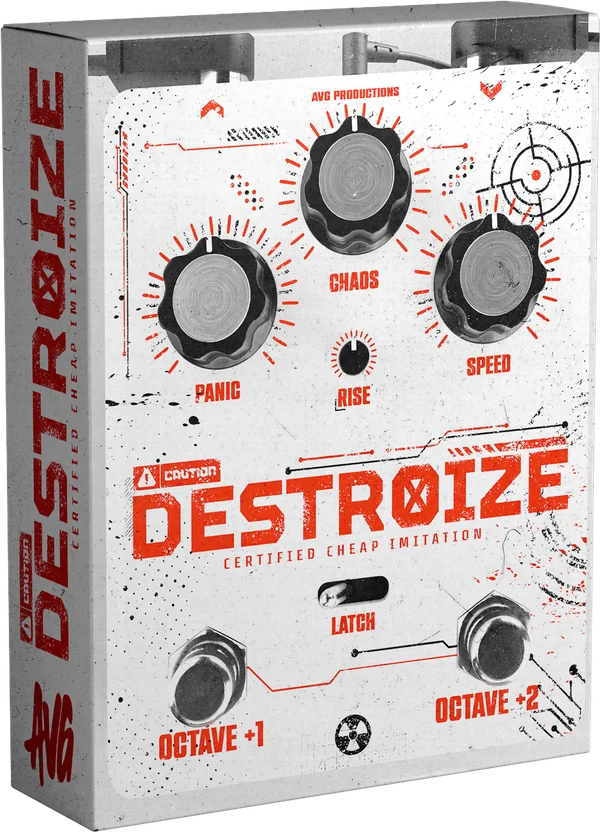
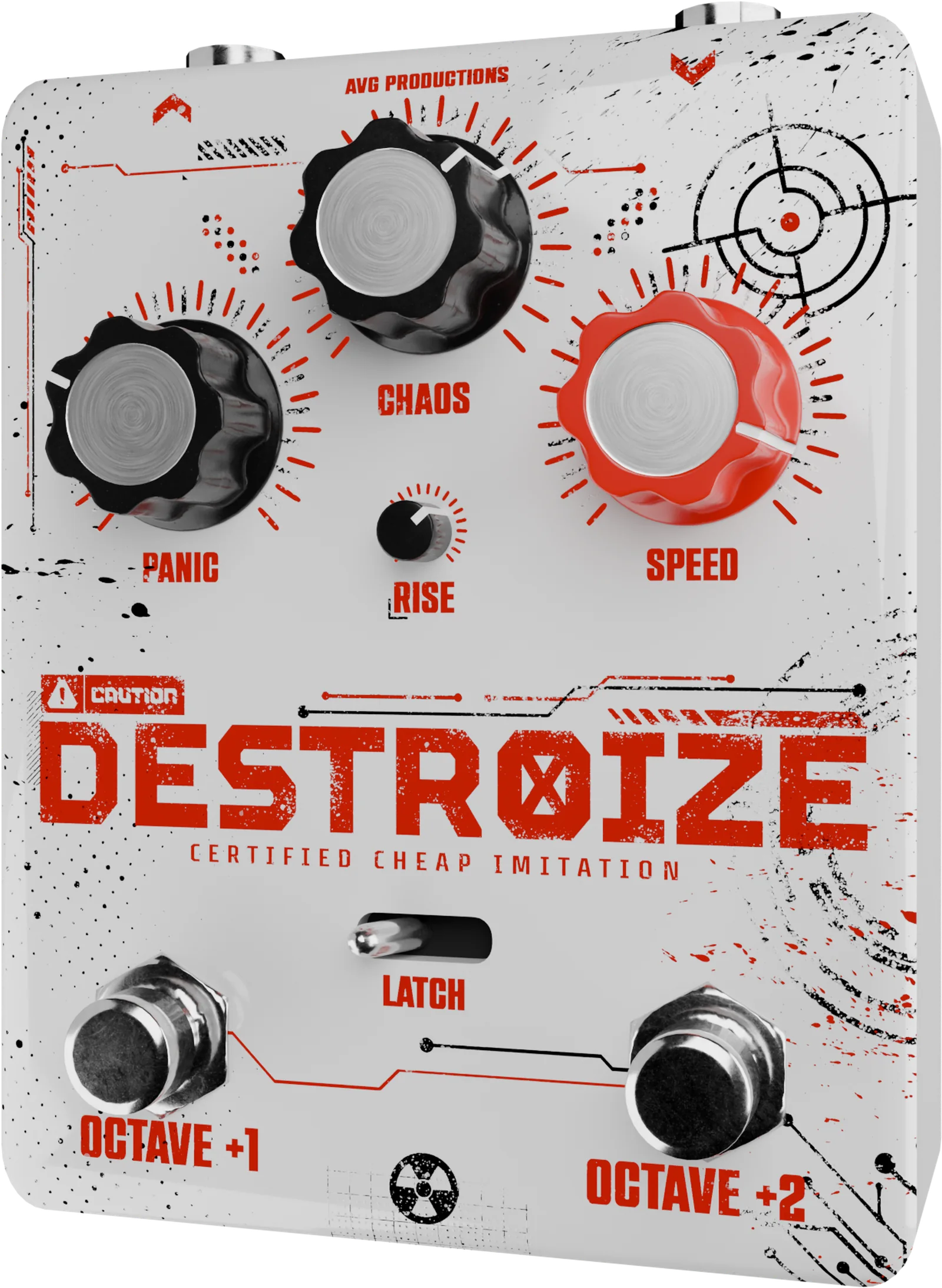
Here's a brief walkthrough of all the features inside DESTROIZE
The Controls
-
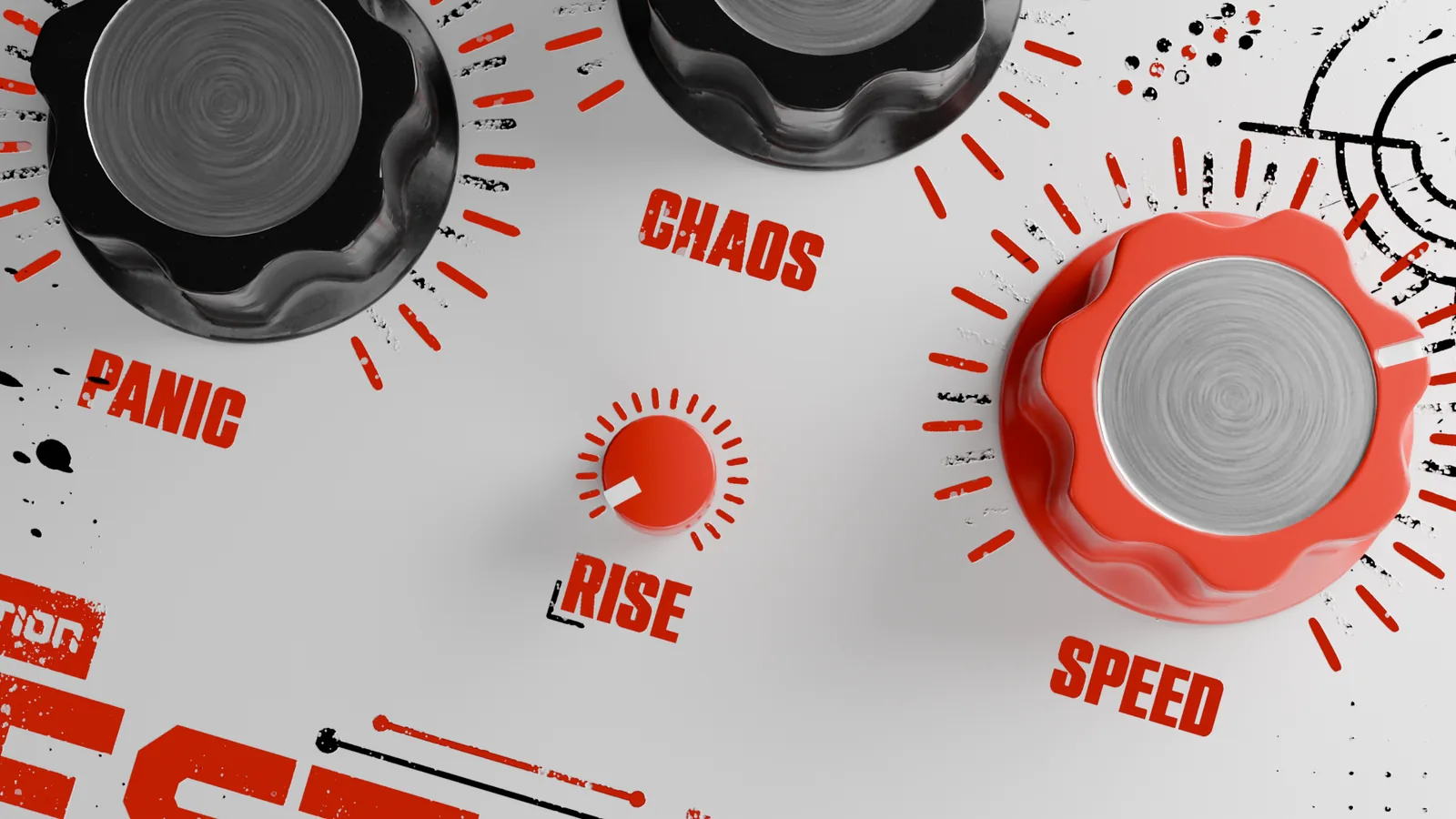
PANIC
How far things fall apart. The more you push it, the more dissonant it gets.
-
CHAOS
Amount of, well... CHAOS added to the signal.
-
SPEED
Controls the rate of the CHAOS engine. Go from a slow wave to an intense flutter.
-
RISE
Controls the glide from dry signal to target pitch.
-
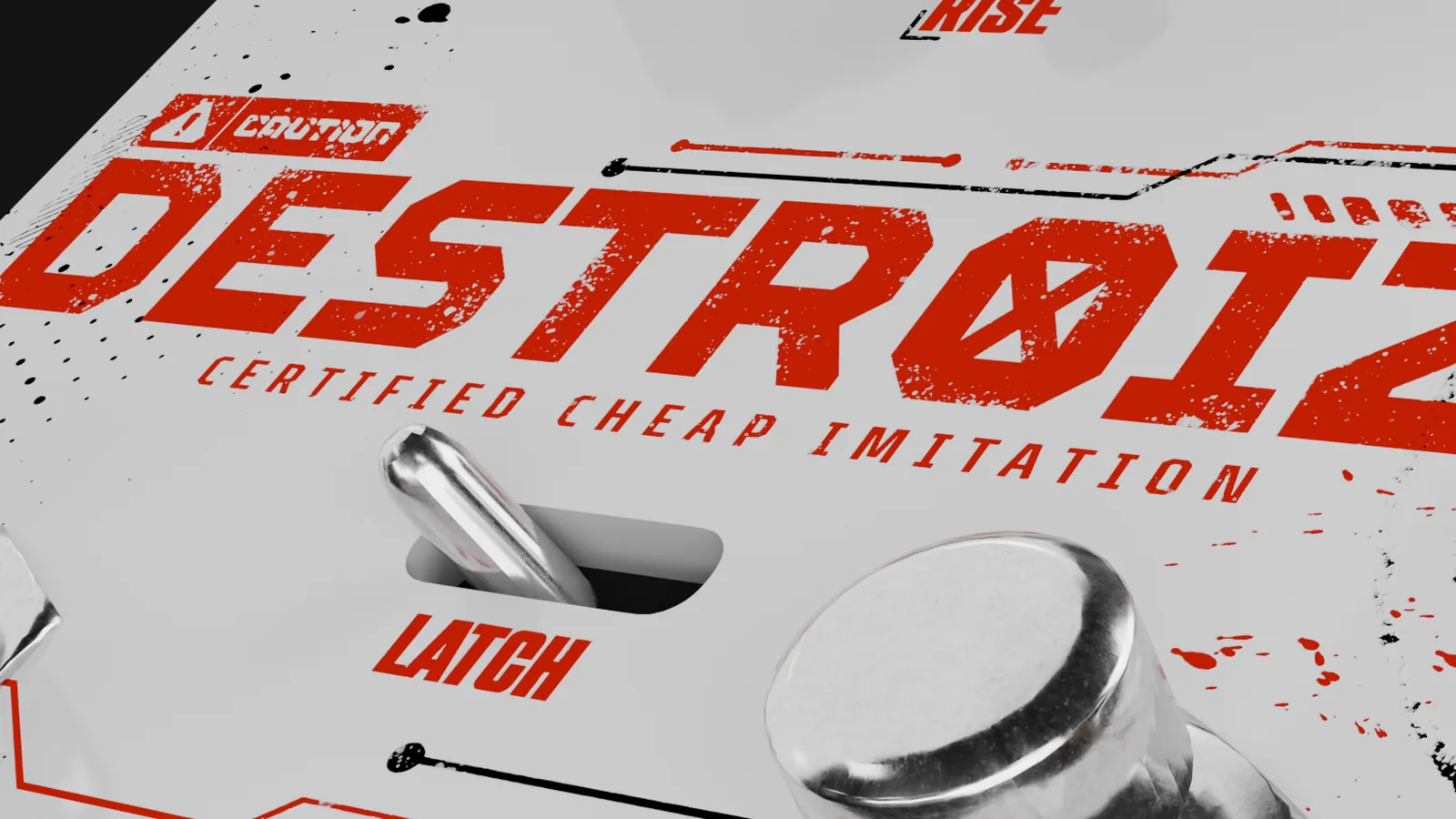
LATCH
Keeps the effect on instead of momentary. Set it and forget it.
-
OCTAVE +1
Pushes your signal up one octave.
-
OCTAVE +2
Pushes your signal up two octaves.
Right-click the SPEED knob to sync the chaos effects to your project's tempo.
Right-click the RISE knob to enable FALL. The signal will now fall at the set rate.
Right-click FALL to enable RISE + FALL. The signal will now rise and fall at the same rate.
Hit the radiation symbol at the bottom to run PANIC, CHAOS and SPEED on the dry signal.
Things to know
Does it work in my DAW?
All Windows DAWs that run VST3 can run DESTROIZE! Windows only (for now). MacOS and AAX compatibility are coming soon! for updates.
Do I need an iLok?
Nope! Once purchased, you're sent the plugin downloader and you're good to go. It opens up without any licensing hiccups.
How many computers can I put it on?
Feel free to put it on any of your machines. Studio rig, home rig or mobile rig!
Is there a trial?
No trial as of right now, but never say never! If I implement a trial I also have to implement licensing, which could cause a whole lot of headaches for everyone, so I've decided to keep things simple for now.
Why "certified cheap imitation"?
Because it is one. The creator said so.
Refund policy
Due to the irrevocable nature of digital goods, all sales are final. Make sure to browse all the demos and the walkthrough to make sure this is for you. If there are compatibility issues, send me a support message here.
The boring part